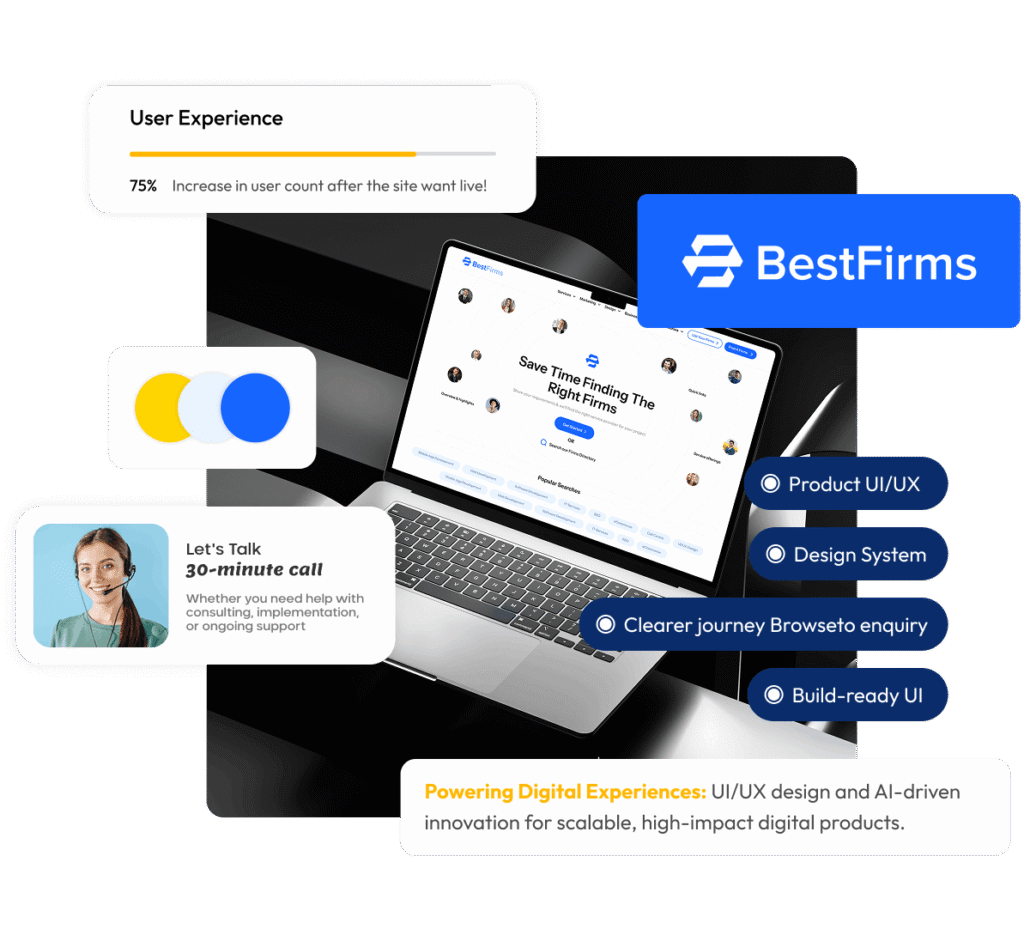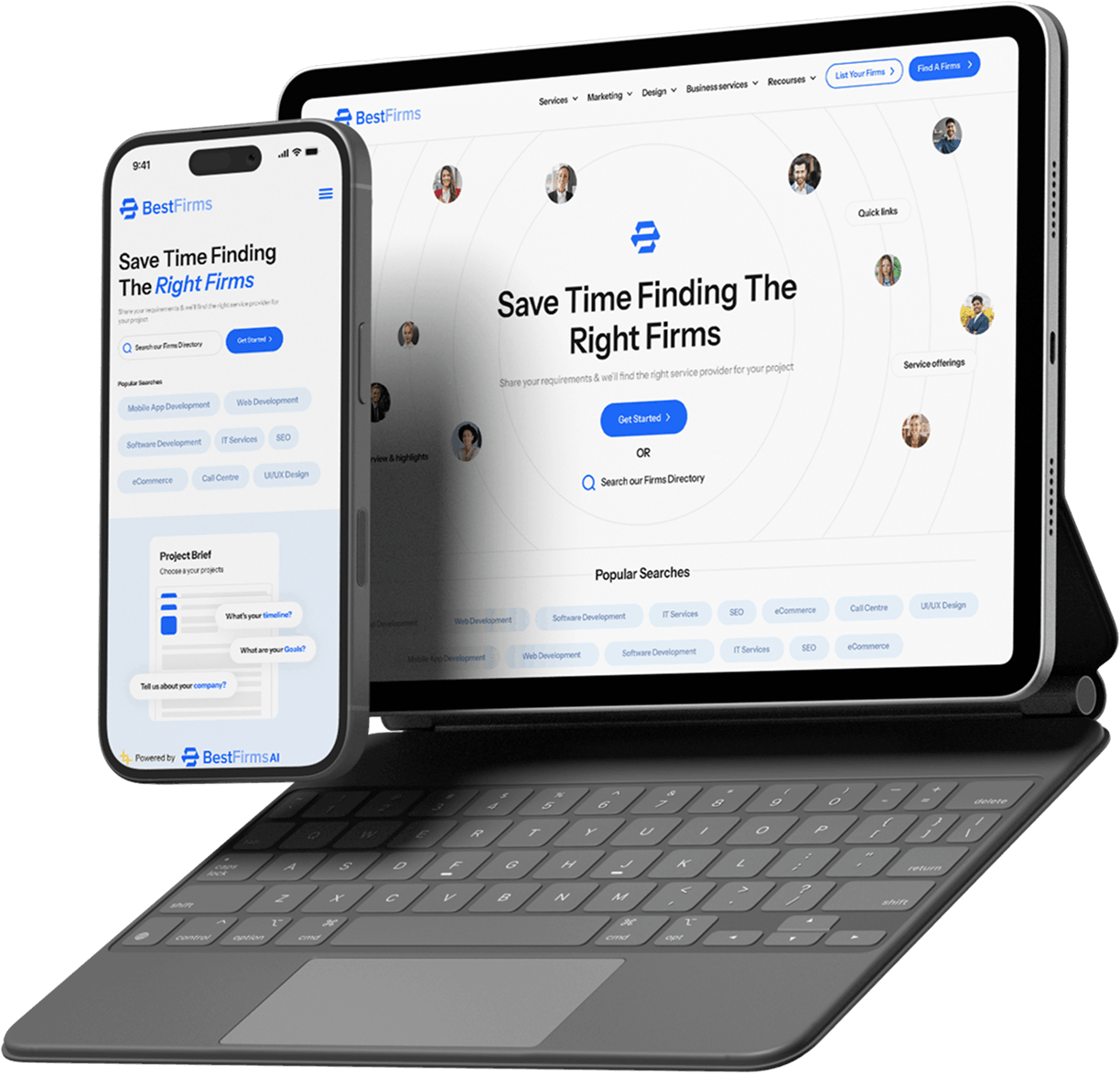
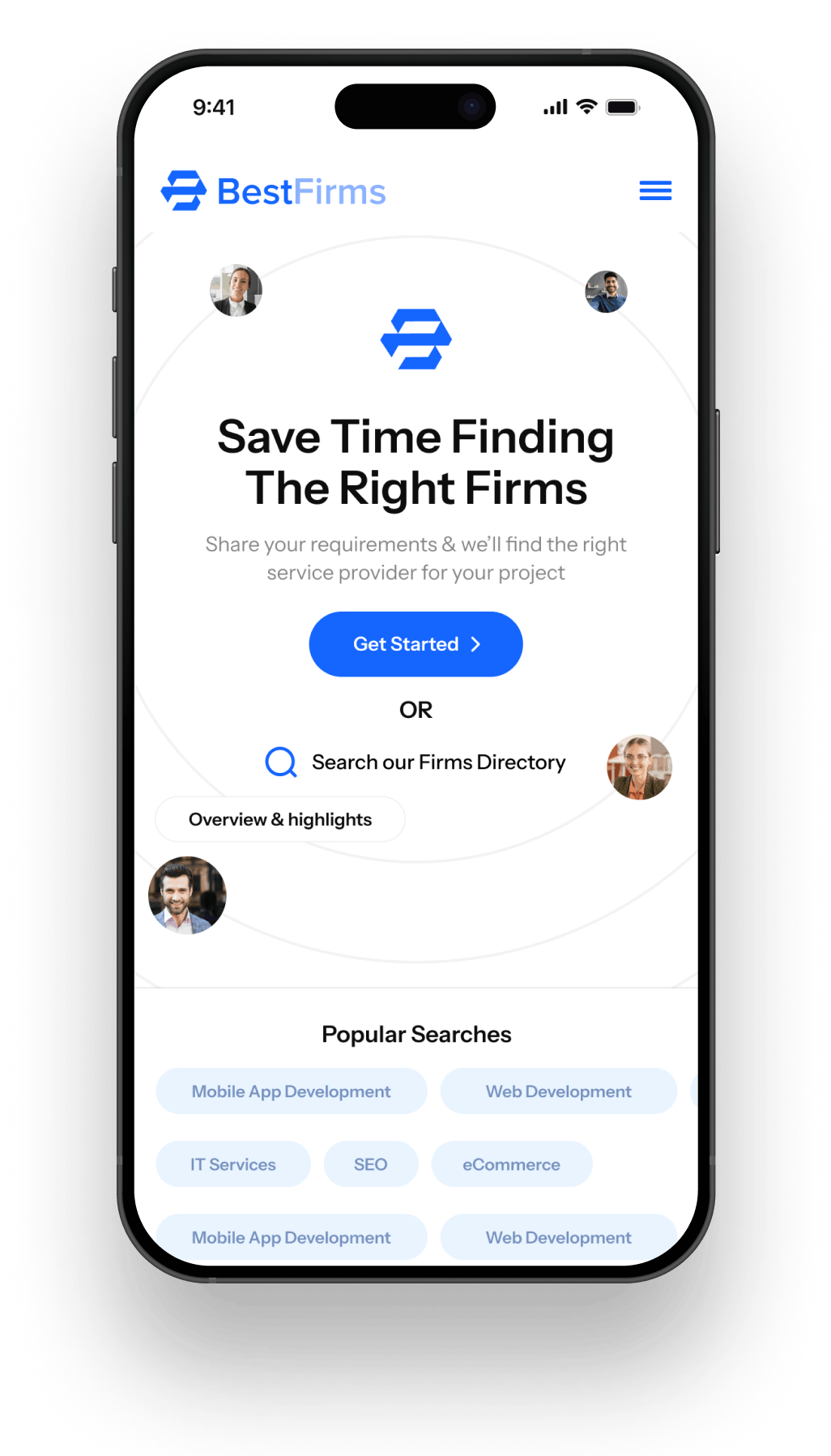
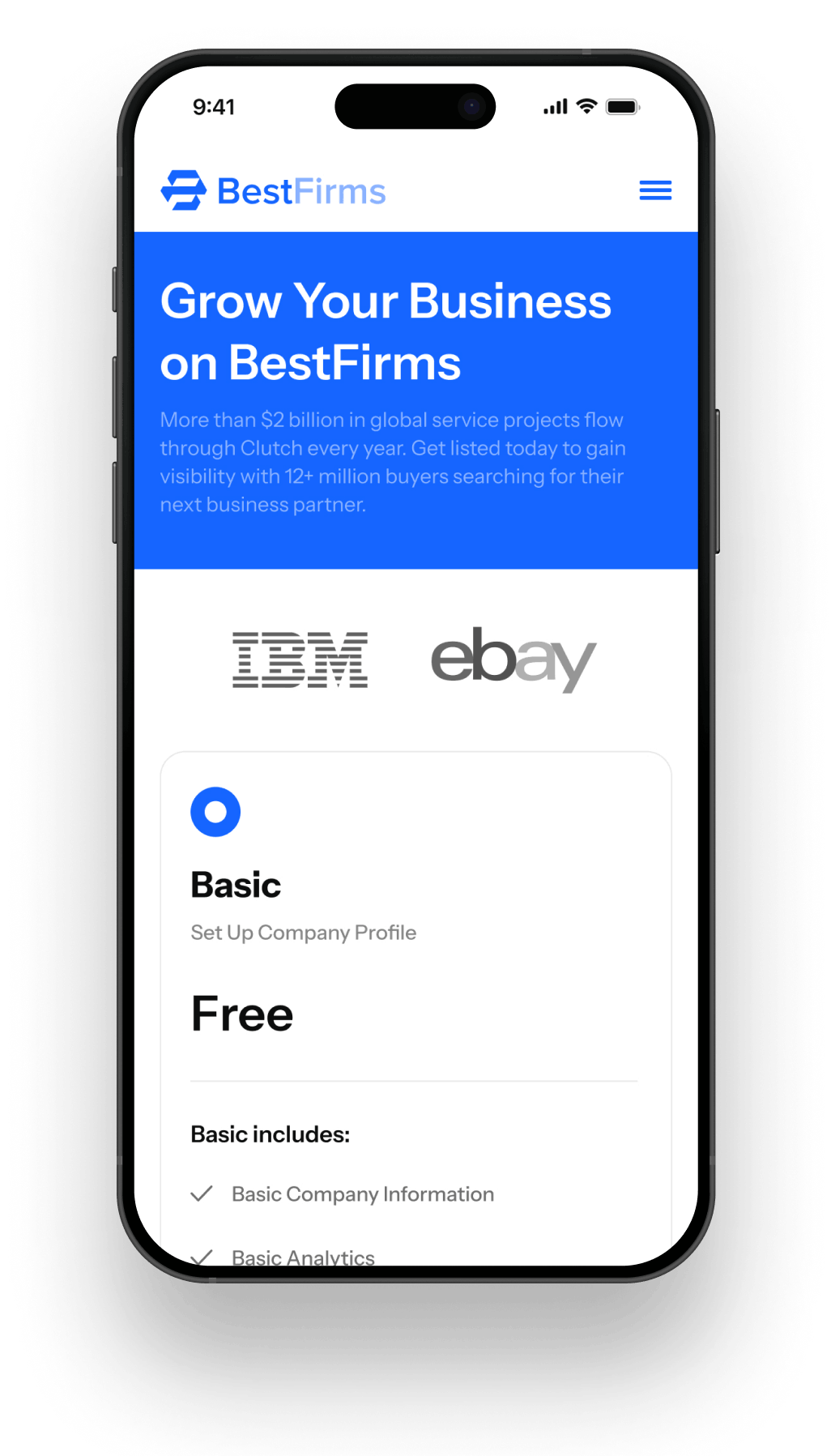
Best Firms

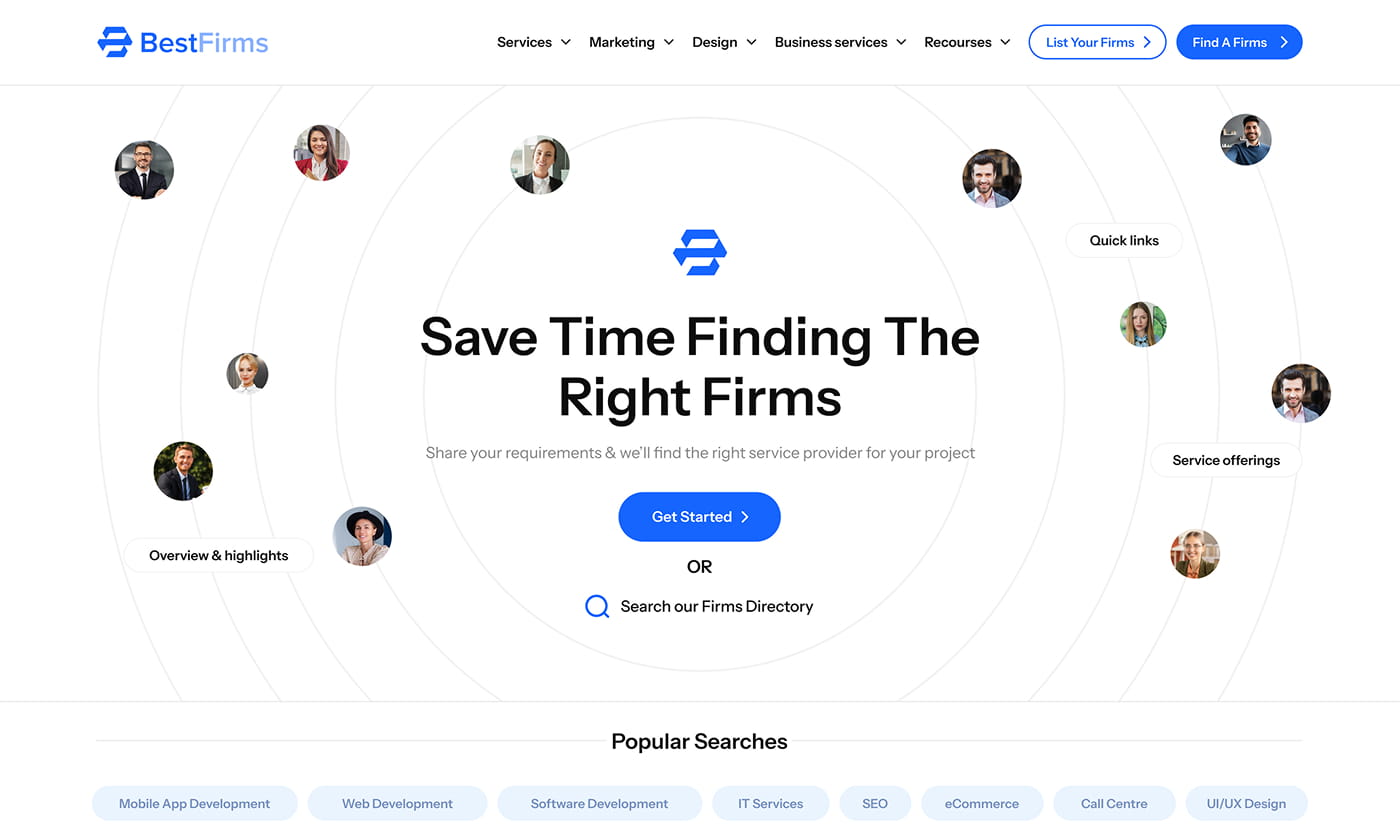
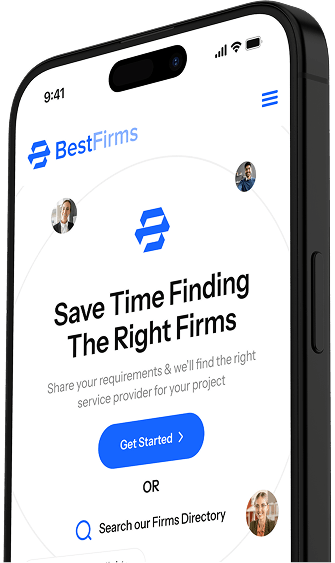
WEBDIGITA Labs directory UI designed to speed up discovery, strengthen trust, and drive enquiries (UI only, dev handoff ready).

What We Delivered

  • Information Architecture
  • Conversion-first UX
  • UI Design System
  • Component Library
  • Responsive Templates
  • Prototype + UI States
  • Dev Handoff Notes

Project Brief

Best Firms is a WEBDIGITA Labs concept exploring how a service directory can feel premium, stay easy to navigate, and convert browsing intent into enquiries. The aim was a scalable UI that can support many categories and location pages without redesign.

This was a UI-only delivery designed for build readiness: reusable components, consistent templates, and defined interaction states to reduce ambiguity and speed up development.

The Challenge

Directories fail when discovery takes too long, profiles do not build confidence, or CTAs appear too late. The challenge was balancing fast exploration (search, filters, shortlists) with credibility signals and a clear enquiry path, without making pages feel heavy or cluttered. We also designed for scale from day one so the UI stays consistent as categories, listings, and content expand.

The Process

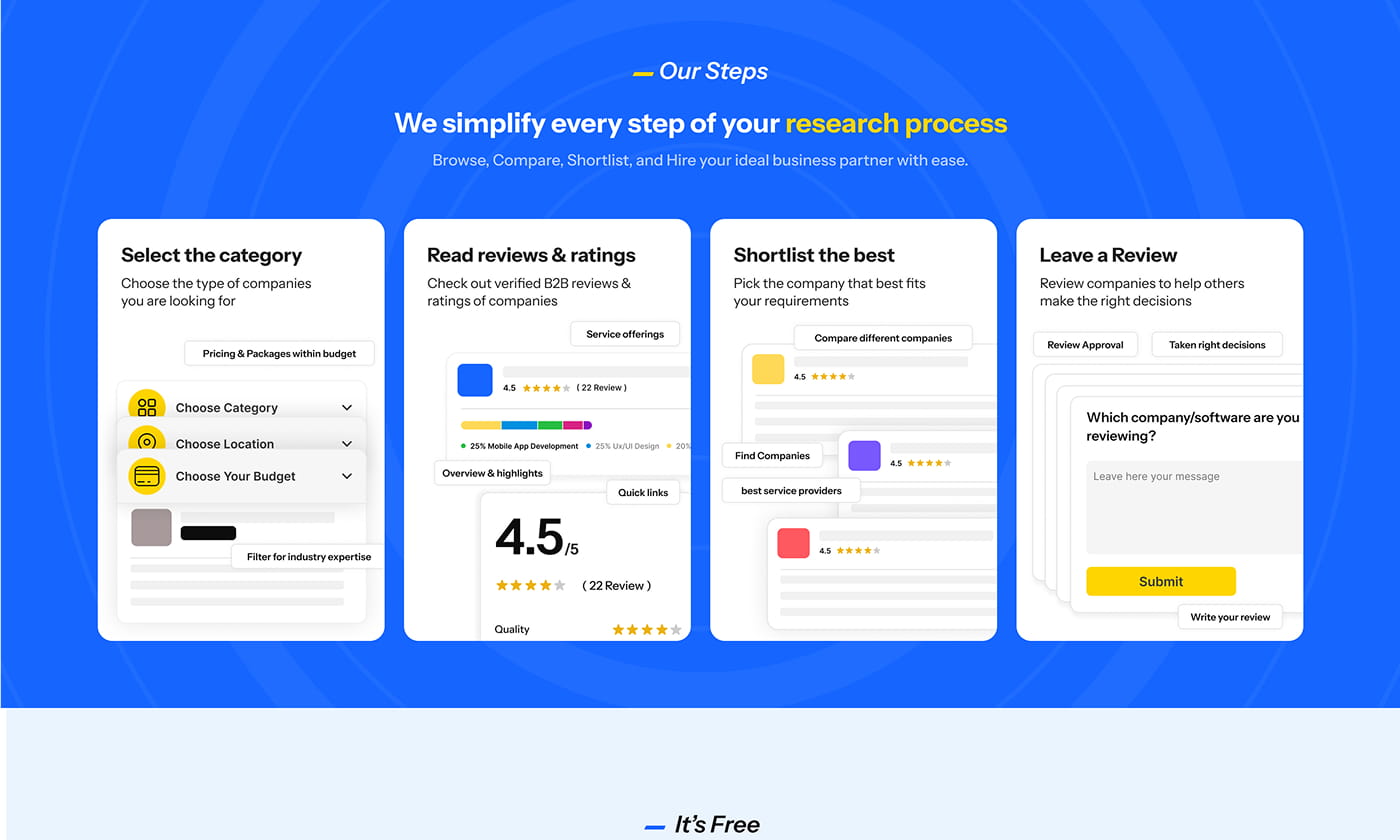
We mapped the core journeys a directory must get right: browse, search, filter, compare, and enquire. That defined what templates were needed and what information each page must surface to support decisions.

From there we built a UI system that keeps patterns consistent across the site, with states and edge cases defined early to reduce build rework and QA churn.

  • Journey mapping
  • Template rules
  • Component system
  • Responsive layouts
  • States and variants
  • Prototype walkthrough
  • Handoff support
See how we run sprints

The Build

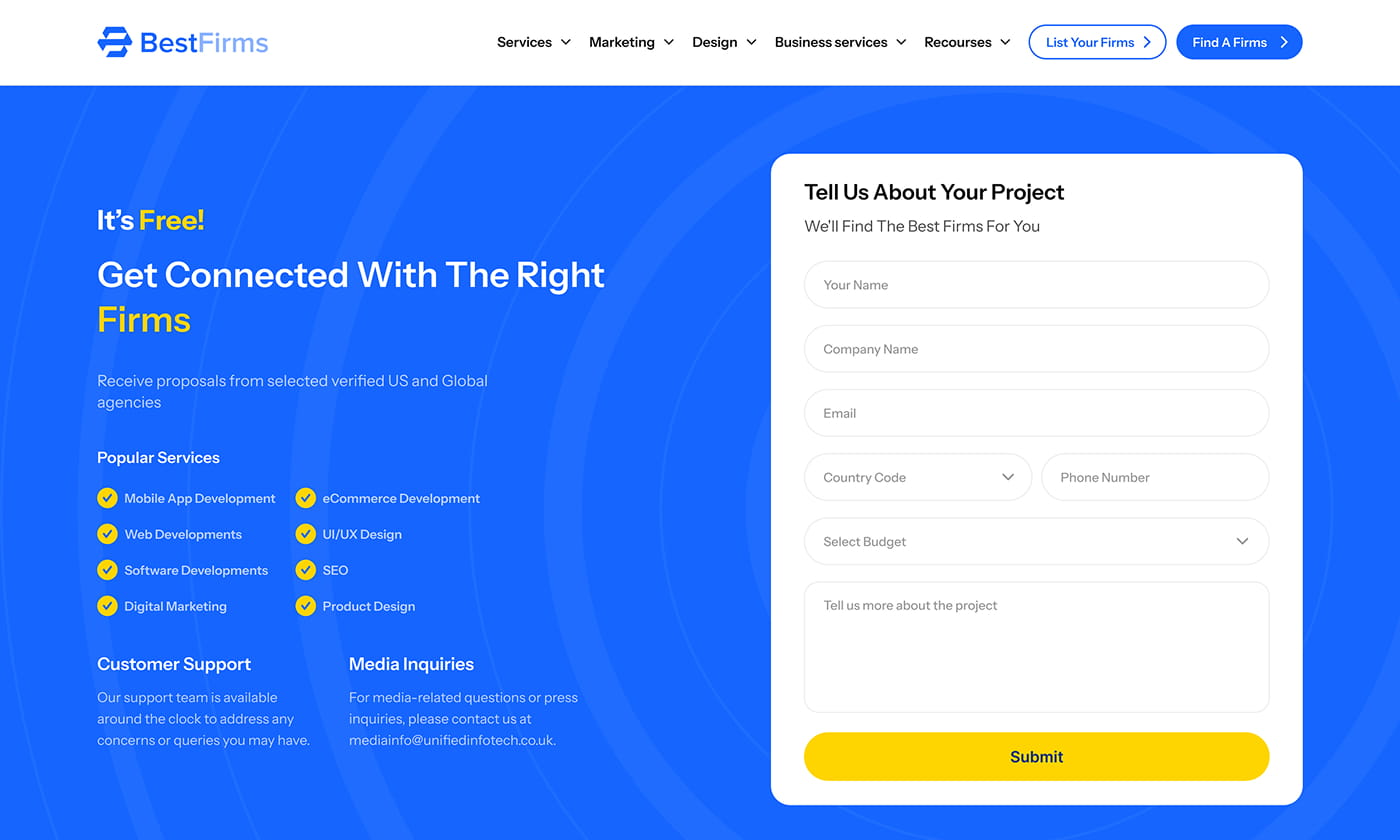
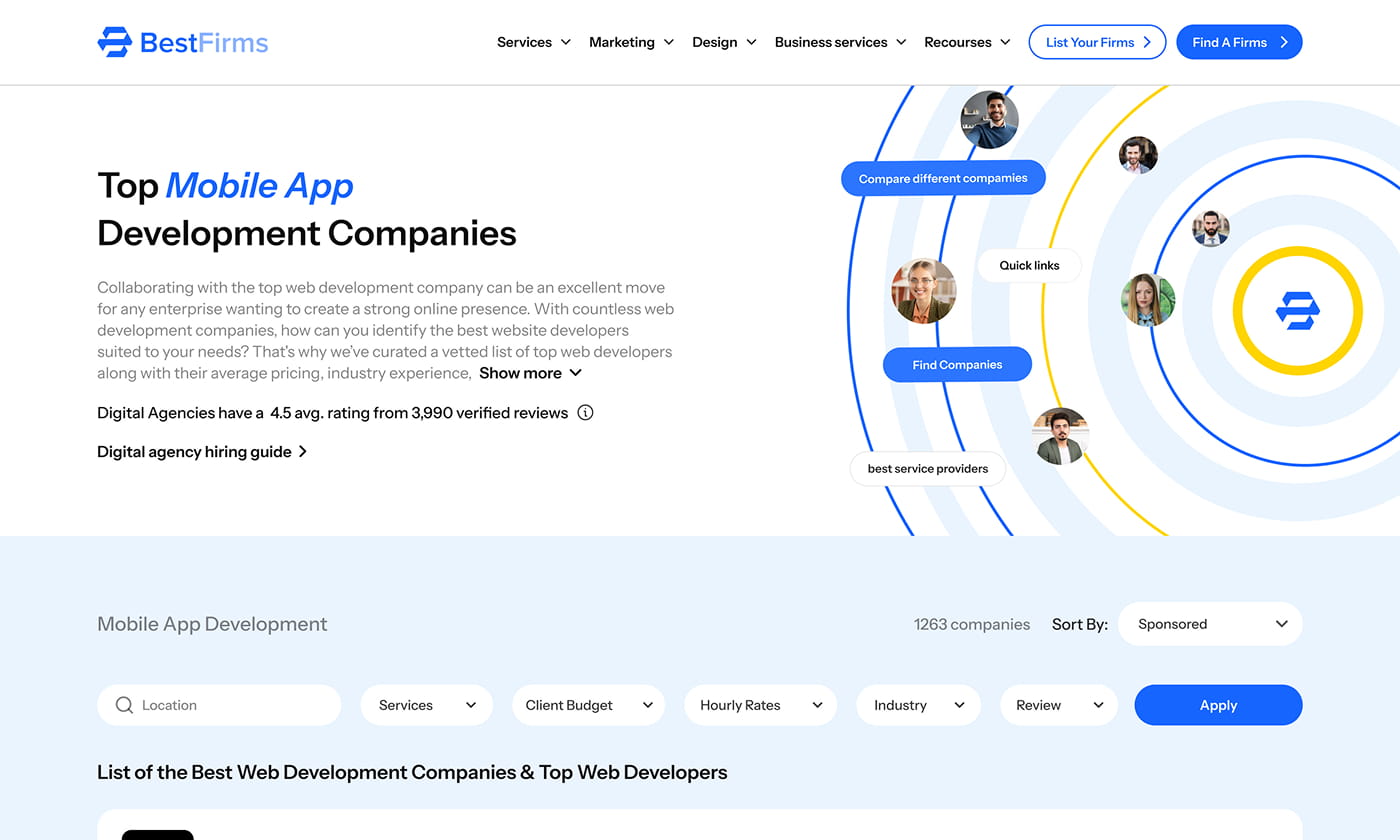
This was a UI-only build package focused on the templates a directory relies on: category browsing, listing cards, firm profiles, and enquiry touchpoints. Each template was designed to stay clear as real-world content scales.

We standardised components and interactions so the front-end implementation can move faster with fewer open questions, consistent spacing and typography, and predictable UI behaviour across devices.

  • Category templates
  • Listing cards
  • Profile layouts
  • Filter patterns
  • CTA placements
  • Form states
  • UI guidelines
Explore directory UI capability

Behind The Build

Scope

UI-only delivery for a directory product, focused on scalable templates, a reusable component system, and build-ready states for a faster, cleaner front-end implementation.

  • UX flows
  • Information architecture
  • UI design system
  • Component library
  • Responsive templates
  • Prototype states
  • Handoff notes
  • Design QA

Resources

Senior, small-team delivery to keep decisions fast and ensure a build-ready UI package with clear templates, consistent components, and practical handoff guidance.

  • 1 x Product lead
  • 1 x Lead UI designer
  • 1 x UX designer
  • 1 x Design QA
  • 1 x Prototype reviewer
  • 1 x Handoff support

The Results

A build-ready directory UI that makes it easier to find the right firm, understand credibility quickly, and take action without friction. The system is designed to scale across new categories and pages while staying consistent and easy to maintain.

Clearer journey

Browse to enquiry

Stronger trust

Profile confidence

Build-ready UI

Handoff clarity
Get your UI/UX ROI Plan

Want to build an amazing directory website like this?

Speak with our specialists.Get clarity on scope, cost and next steps.

    Ideal if you’re planning a rebuild, migration, or growth sprint in the next 60–90 days.

    Talk to our digital experts

    If the calendar doesn’t load, Click here to open it in a new tab